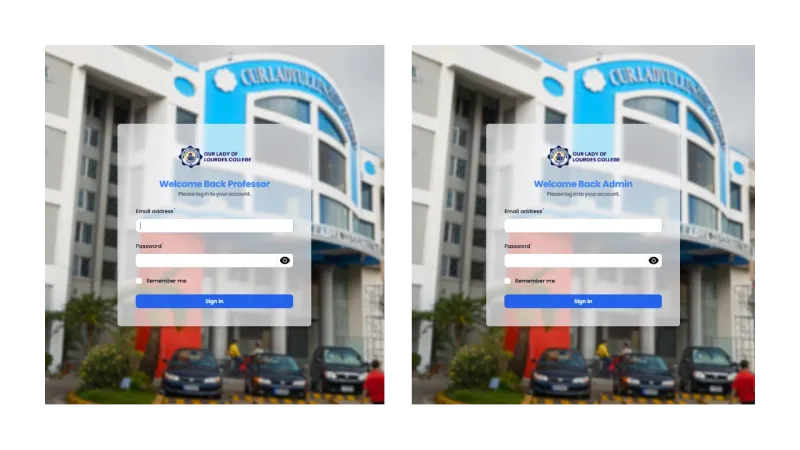
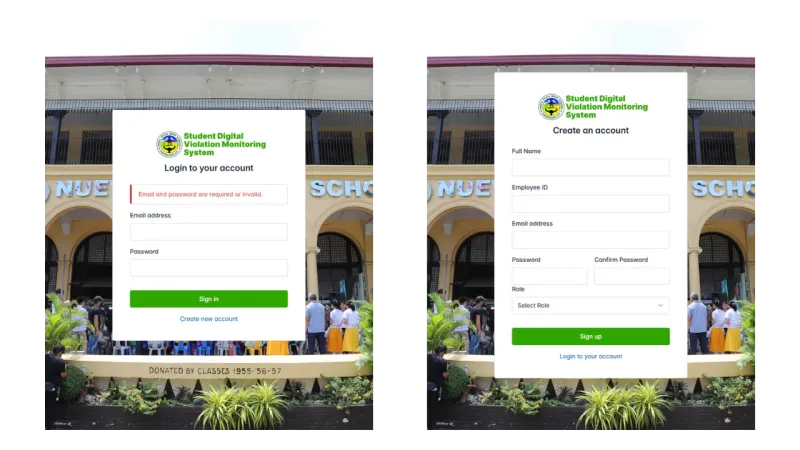
⚠️ Developer Notes
The brands and logos shown are fictional and used solely to demonstrate my development skills; any resemblance to real brands or entities is purely coincidental.
Overview
Turns the old manual scheduling process into an easy, automated system powered by Google’s Gemini AI. Professors can submit teaching requests, while admins can create, manage, and finalize class schedules without conflicts. The system use Gemini AI to avoid scheduling problems and make the best use of classrooms and time slots.
Key Features
AI-Powered Schedule Creation (Schedy Gemini)
The system uses Google’s Gemini API to understand natural language. Professors can describe when they’re free in plain English like “Available Monday to Friday, 8 AM to 12 PM except Wednesdays,” and the AI figures out the best schedule. The AI runs automatically every 3 hours to keep checking and fixing schedules before problems happen.
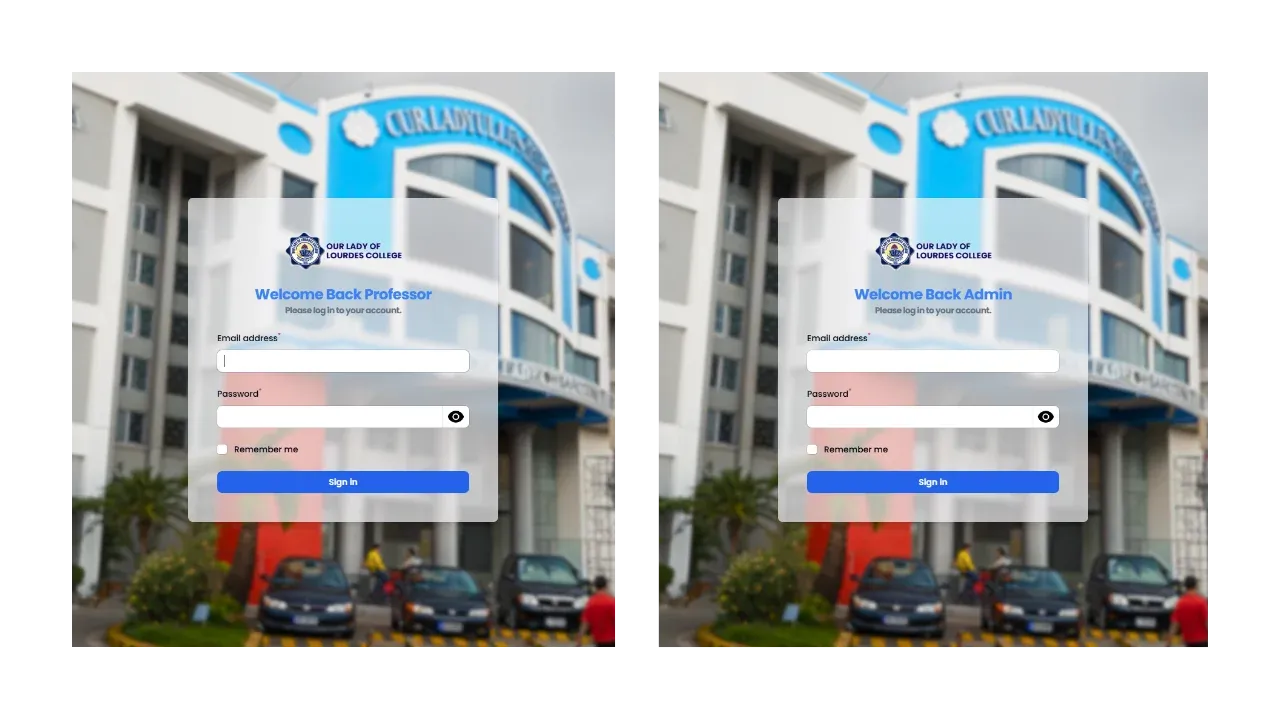
Different User Access Levels
- Professors can submit teaching requests using forms or by typing what they need, then view their assigned schedules in a simple table.
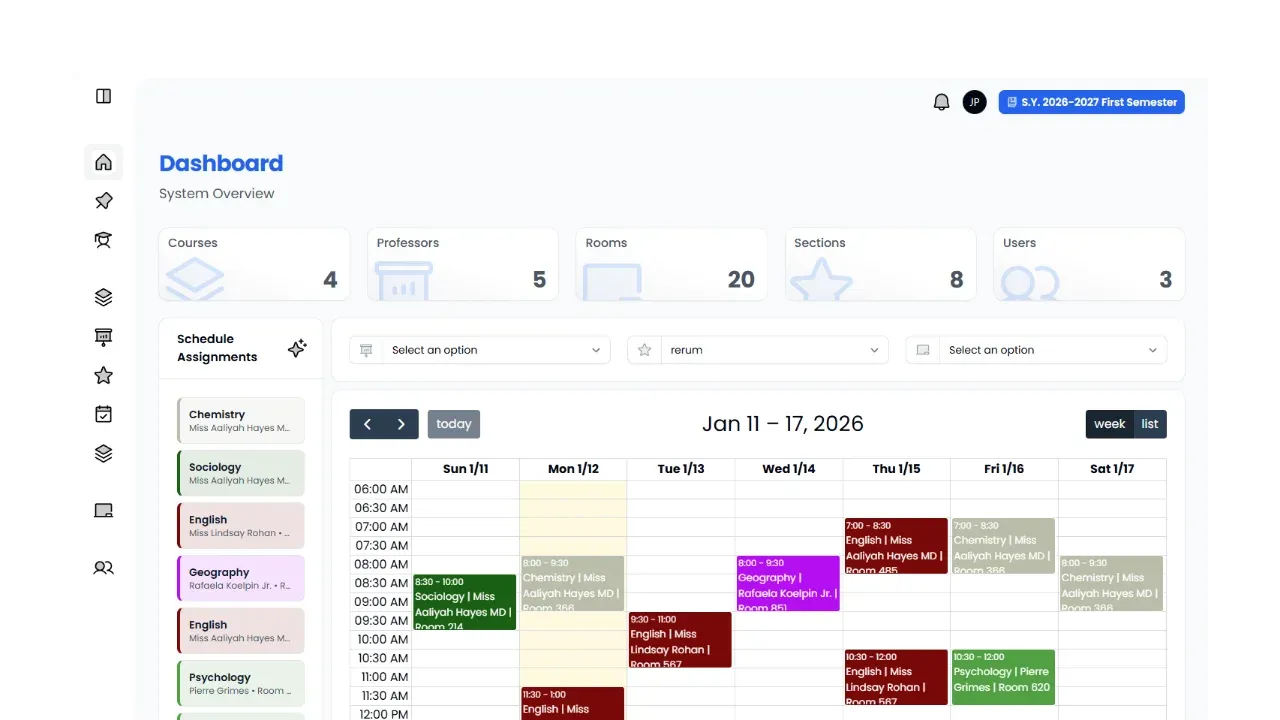
- Secretaries/Admins see a main dashboard showing total professors, available rooms, registered subjects, and any schedule conflicts.
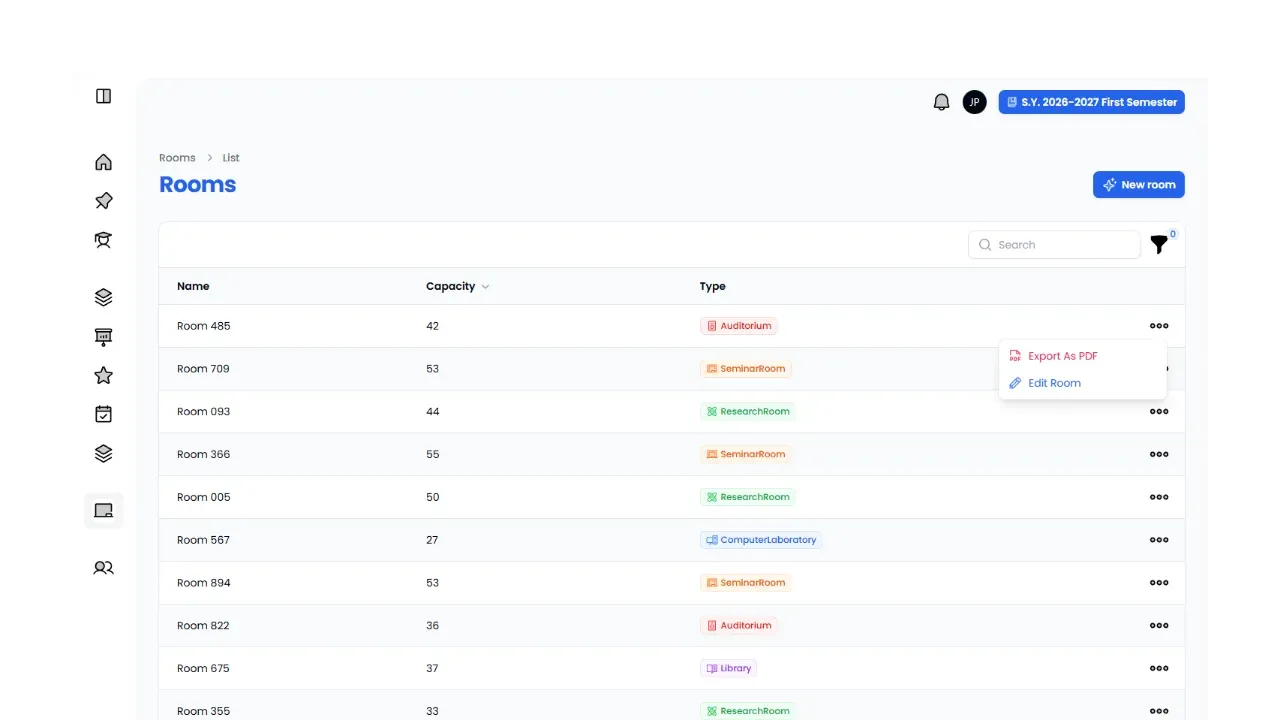
Complete Resource Management
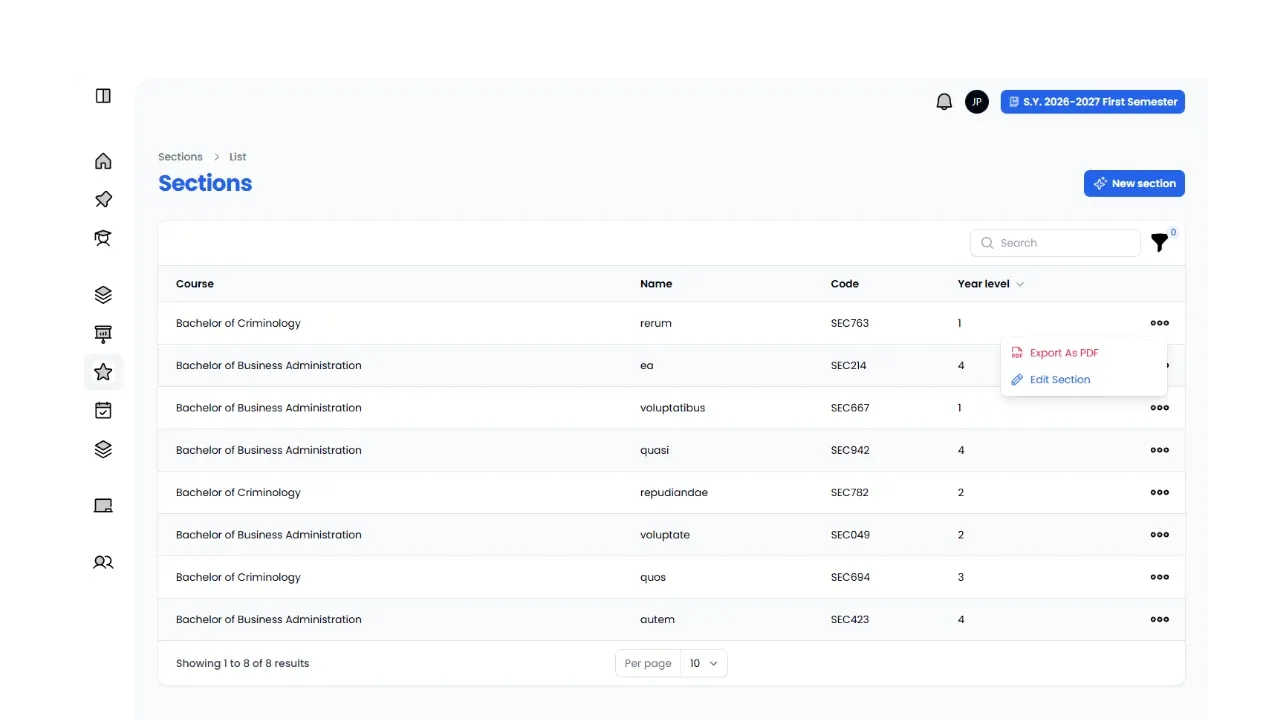
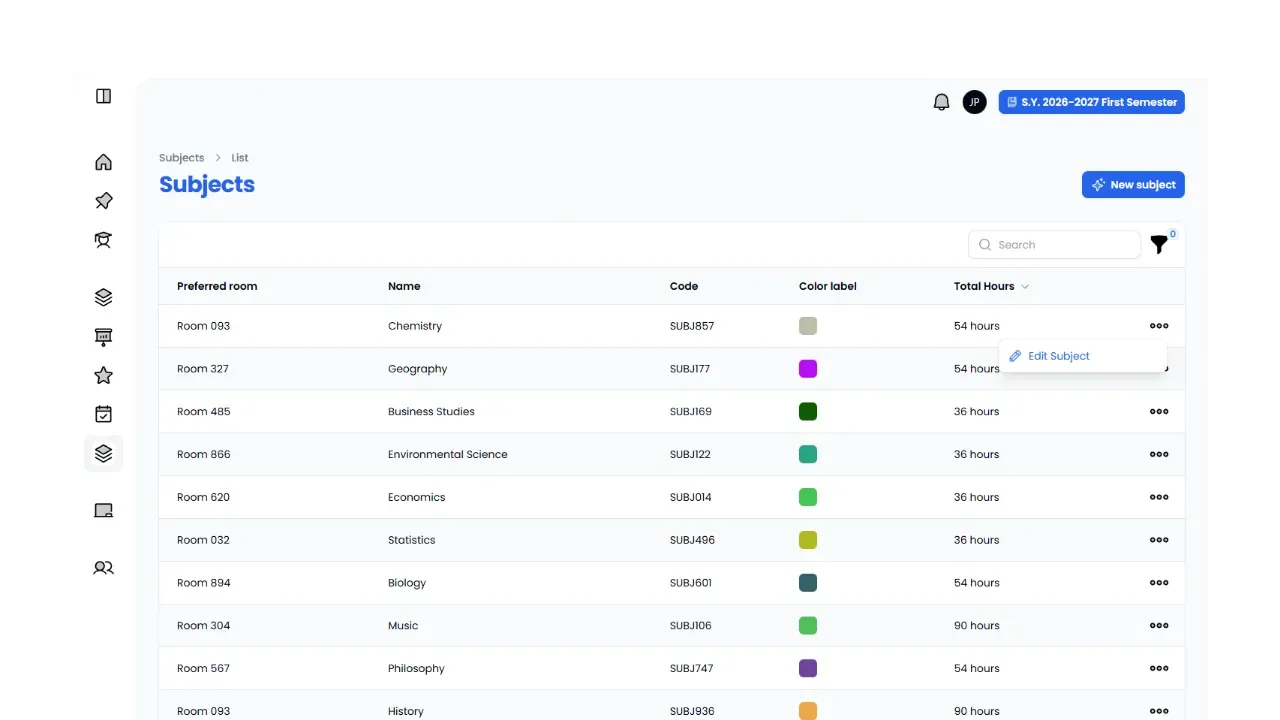
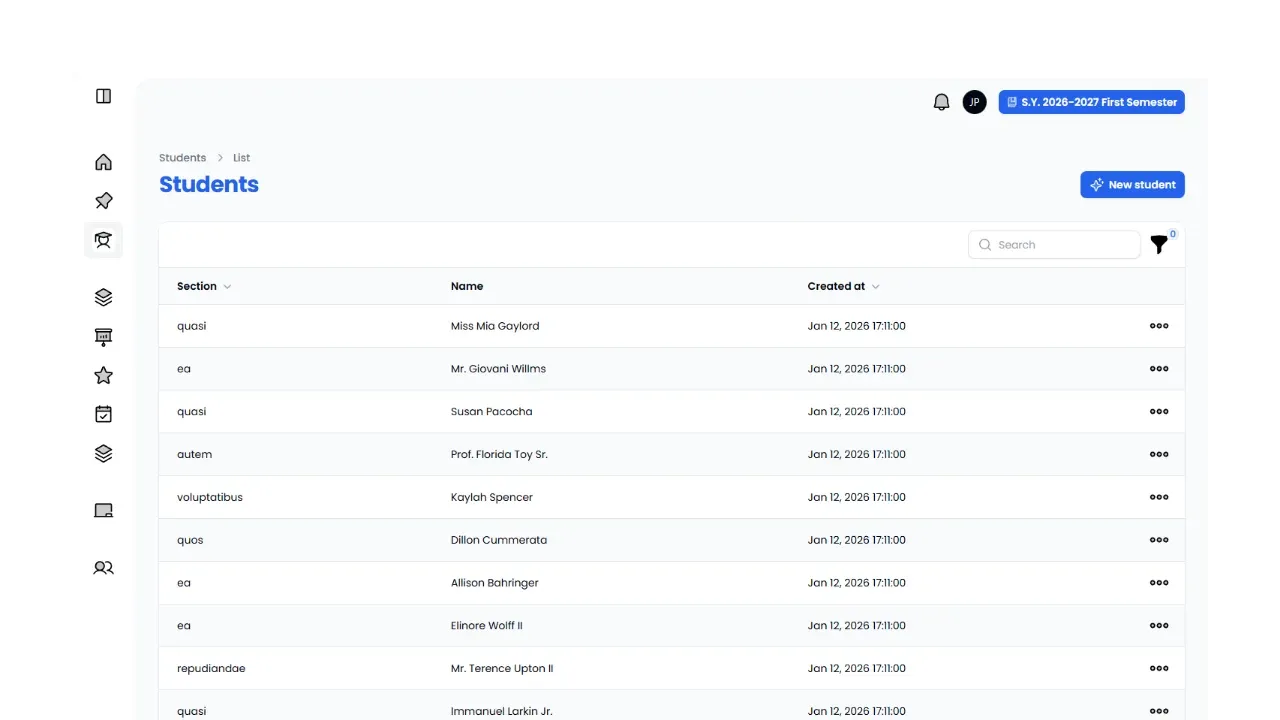
Admins control all scheduling parts including professor info, subject lists, course details, room inventory, semester settings, and user accounts. The system tracks room types and sizes to match classes with the right spaces.
Smart Conflict Detection
The system constantly checks schedules to find time overlaps, double-booked rooms, or professor availability problems. When it finds conflicts, it alerts admins and gives AI suggestions to fix them. This makes sure every schedule works before it’s finalized.
Schedule Lock Feature
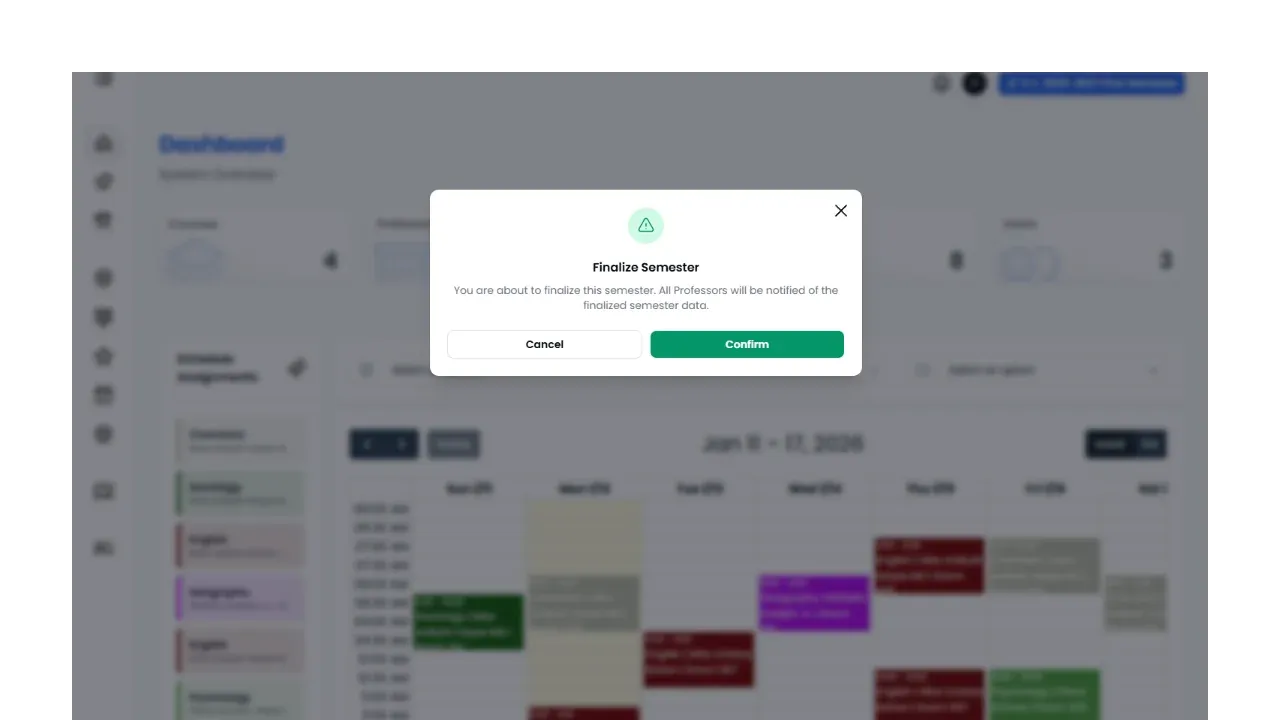
Once a schedule is checked and approved, admins can finalize and lock it to stop accidental changes. This keeps the schedule safe during active semesters while still allowing changes when needed.
Weekly Schedule View
Professors and admins can see schedules in a simple table organized by week. This shows daily class times, room assignments, and time slots clearly.
Dashboard Overview
The admin dashboard shows important numbers like total professors, available rooms, active subjects, and current conflicts. This quick view helps check if scheduling is working well.
Natural Language Processing
The AI understands complex requests beyond simple availability. It can handle detailed preferences and automatically suggests the best times and rooms based on what professors need and what’s available.
Auto-Conflict Reports
The system runs scheduled checks every 3 hours to find and report conflicts. This catches problems early so admins can fix them before they affect classes.
Technology Stack
Backend Framework
- Laravel 11 for server logic and database handling
- FilamentPHP for the admin panel interface
- MySQL database for storing all data
- Livewire for interactive features (built into Filament)
AI Integration
- Google Gemini API (Free tier) for natural language processing
- Automated schedule suggestions
- Conflict detection and resolution
Frontend
- TailwindCSS for modern, clean design
- Responsive layout that works on all devices
- Simple, easy-to-use interface
Development Tools
- Composer for PHP packages
- NPM for frontend assets
- XAMPP for local testing
Authentication & Security
- Role-based login system (Professor/Secretary access)
- Manual password management
- Session handling for user security
Automation
- Cron job scheduling for AI checks every 3 hours
- Background tasks for conflict monitoring
- Automatic email notifications for schedule updates
Interested in this project?