⚠️ Developer Notes
This project is in draft - content and details may change.
Overview
Turns furniture shopping into an interactive, visual experience by letting customers see how furniture looks in their actual rooms before buying. Using browser-based augmented reality, customers can place 3D furniture models in their space through their smartphone camera, no app download needed. Business owners can manage products, track sales, and watch how customers interact with their furniture virtually.
Key Features
Browser-Based Augmented Reality (WebAR)
The system uses Model Viewer technology to show 3D furniture models through the phone’s camera directly in the web browser. Customers just open the website on their phone, point the camera at their room, and place virtual furniture to see how it fits and looks. No app installation required - works instantly on most smartphones.
Different User Access Levels
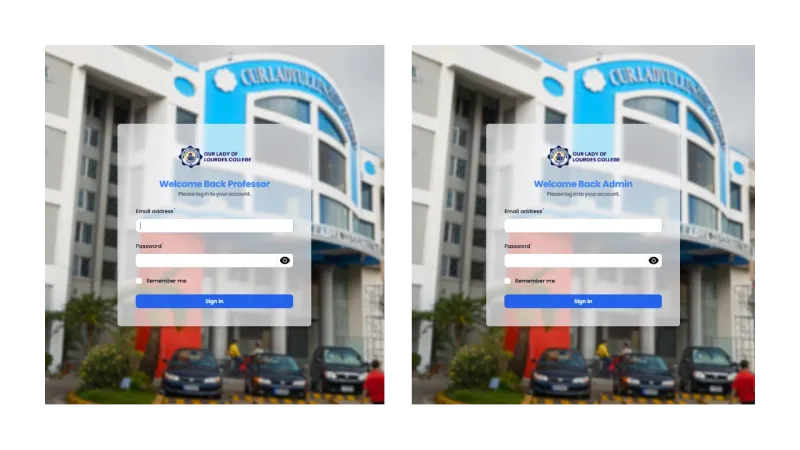
- Customers can browse furniture, view 3D models, use AR to place items in their space, and make purchases.
- Admins (Business Owners) see a dashboard with sales analytics, manage products and 3D models, handle orders, and track customer engagement.
Complete Product Management
Admins control all product details including furniture categories, pricing, descriptions, and 3D model files. The system handles 3D model uploads, organizes products by room type, and manages inventory levels.
3D Model Viewer
Customers can rotate, zoom, and examine furniture from all angles in 3D before using AR. The system shows accurate dimensions, materials, and colors to help customers make better decisions.
AR Placement Tools
Once in AR mode, customers can move, rotate, and resize furniture in their actual space. The system helps with proper scaling and placement to give a realistic view of how furniture will look.
Shopping Cart & Order System
Customers can save furniture they like, add to cart, and purchase directly through the platform. Admins can process orders, update status, and manage deliveries.
Customer Dashboard
Customers can view their order history, saved furniture arrangements, and account settings. They can revisit past AR setups and share them with others.
Admin Analytics Dashboard
The admin dashboard shows important numbers like total sales, most viewed products, customer engagement time, and conversion rates. This helps business owners understand what products customers like most.
Mobile-Optimized Experience
The entire system works smoothly on mobile devices with touch-friendly controls for AR interaction. The interface adjusts to different screen sizes for the best experience.
Technology Stack
Backend Framework
- Laravel 11 for server logic and database handling
- Livewire for interactive features without JavaScript complexity
- MySQL database for storing all product and user data
AR Technology
- Model Viewer for WebAR implementation
- 3D model processing and optimization
- Camera access and rendering
Frontend
- TailwindCSS for modern, responsive design
- Alpine.js for lightweight interactivity
- Mobile-first layout that works on all devices
- Simple, intuitive interface for AR controls
Development Tools
- Composer for PHP packages
- NPM for frontend assets
- XAMPP for local testing
- Git for version control
Authentication & Security
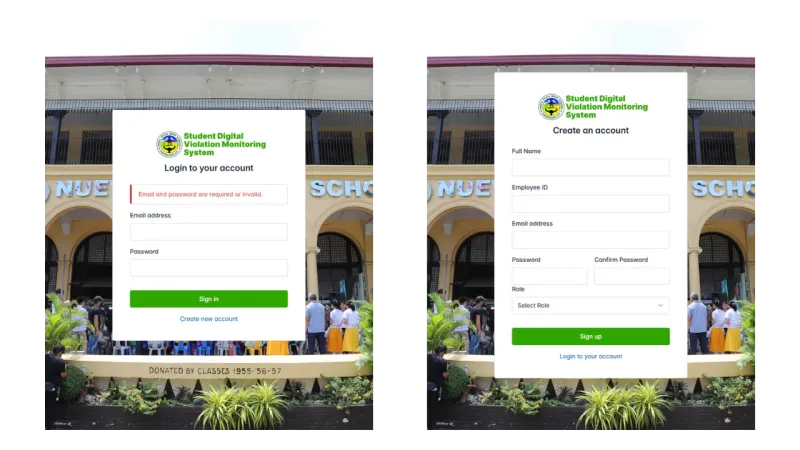
- Role-based login system (Customer/Admin access)
- Secure file upload for 3D models
- Session handling for user security
Interested in this project?